Support Center
Quick Setup
Get started with Translay in just 3 minutes.
- 1 Download Translay from the App Store
- 2 Open Translay and select your target language
- 3 Go to iPhone Settings → Accessibility → Touch → Back Tap
- 4 Set "Double Tap" to the Translay shortcut
- 5 In any app, double-tap the back of your iPhone to translate!
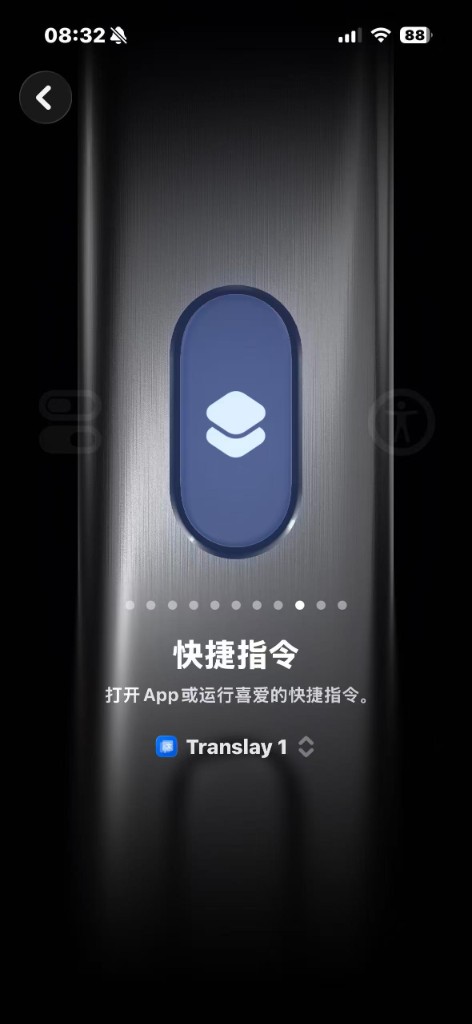
See it in action
Once set up, double-tap your phone's back in any app to see translations overlaid instantly:
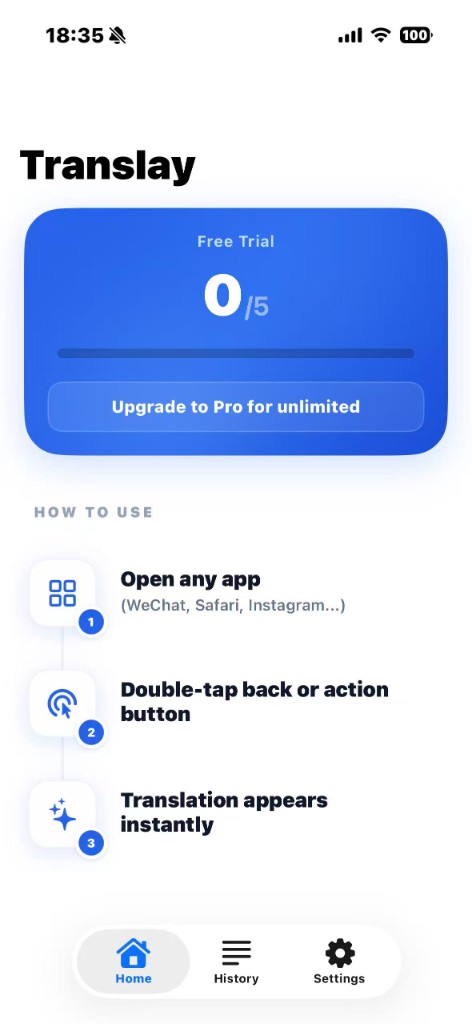
Before — English interface
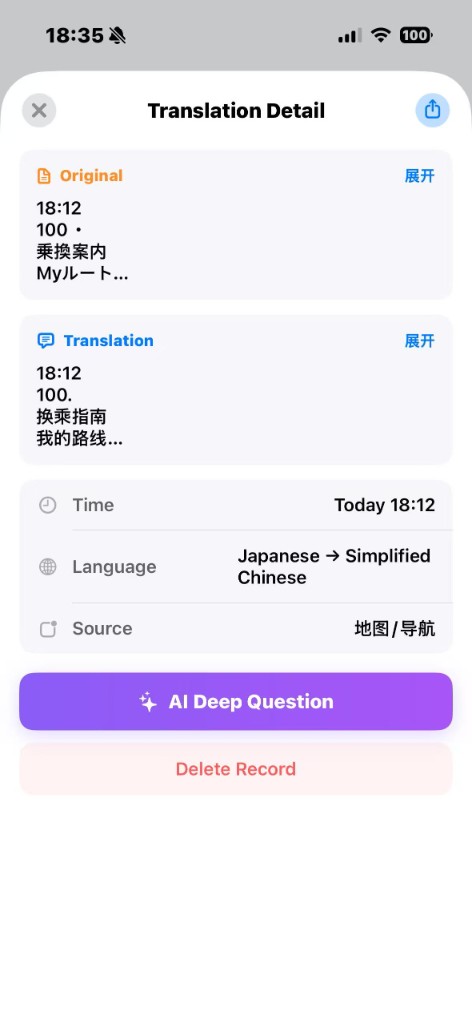
After — translated overlay
Frequently Asked Questions
Translation isn't accurate?
Translay uses the DeepL translation engine, one of the highest-rated engines in professional benchmarks. If specialized terms aren't translating well, try the AI follow-up feature — the AI uses context to provide more precise explanations.
Which languages are supported?
Chinese, English, Japanese, Korean, Russian, German, French, Spanish, Italian, Portuguese, and 15+ mainstream languages with more being added continuously.
Free quota used up?
The free version provides 5 translations and 5 AI questions. Quotas reset automatically. Upgrade to Pro for unlimited use.
Translation not responding?
Please check step by step: 1) Confirm your network connection; 2) Go to Settings → Accessibility → Touch → Back Tap to verify the shortcut is set correctly; 3) Try reopening the Translay app. If the issue persists, please contact our support team.
Is my privacy safe?
OCR text recognition runs entirely on-device — screenshots are never uploaded to any server. Translation requests use encrypted transmission, and we store no translation content. When you use the AI follow-up feature, your question and translation context are sent to DeepSeek with your consent. See our Privacy Policy for full details.
How to cancel subscription?
Go to iPhone Settings → Apple ID → Subscriptions to manage or cancel your Translay Pro subscription. After cancellation, Pro features remain available until the end of the current billing period.
Contact Us
For other questions, reach out via email. We typically respond within 24 hours:
bob.wang@imyway.cn